
Lossless
- 24-bit
- 48 kHz
- Stereo
- Uncompressed
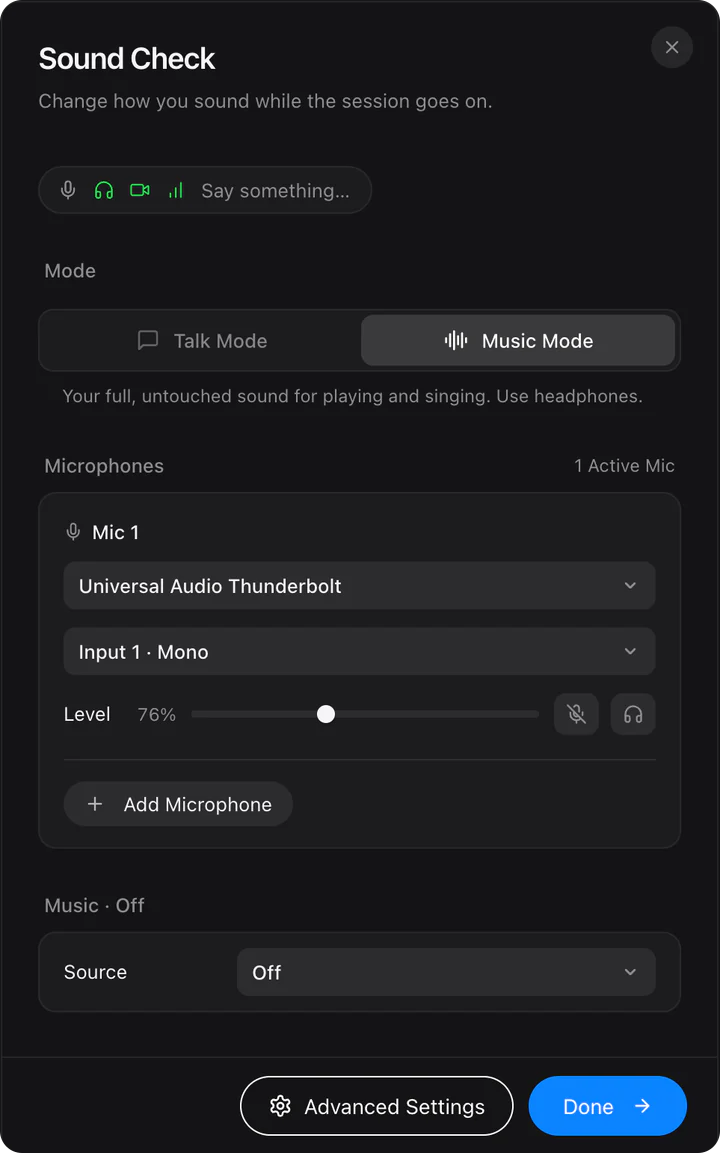
Between desktop apps, on a connection that can carry it, your music travels as uncompressed 24-bit audio.
New in 0.4.8: your DAW reaches the session once, even with sends to outboard gear. See what’s new
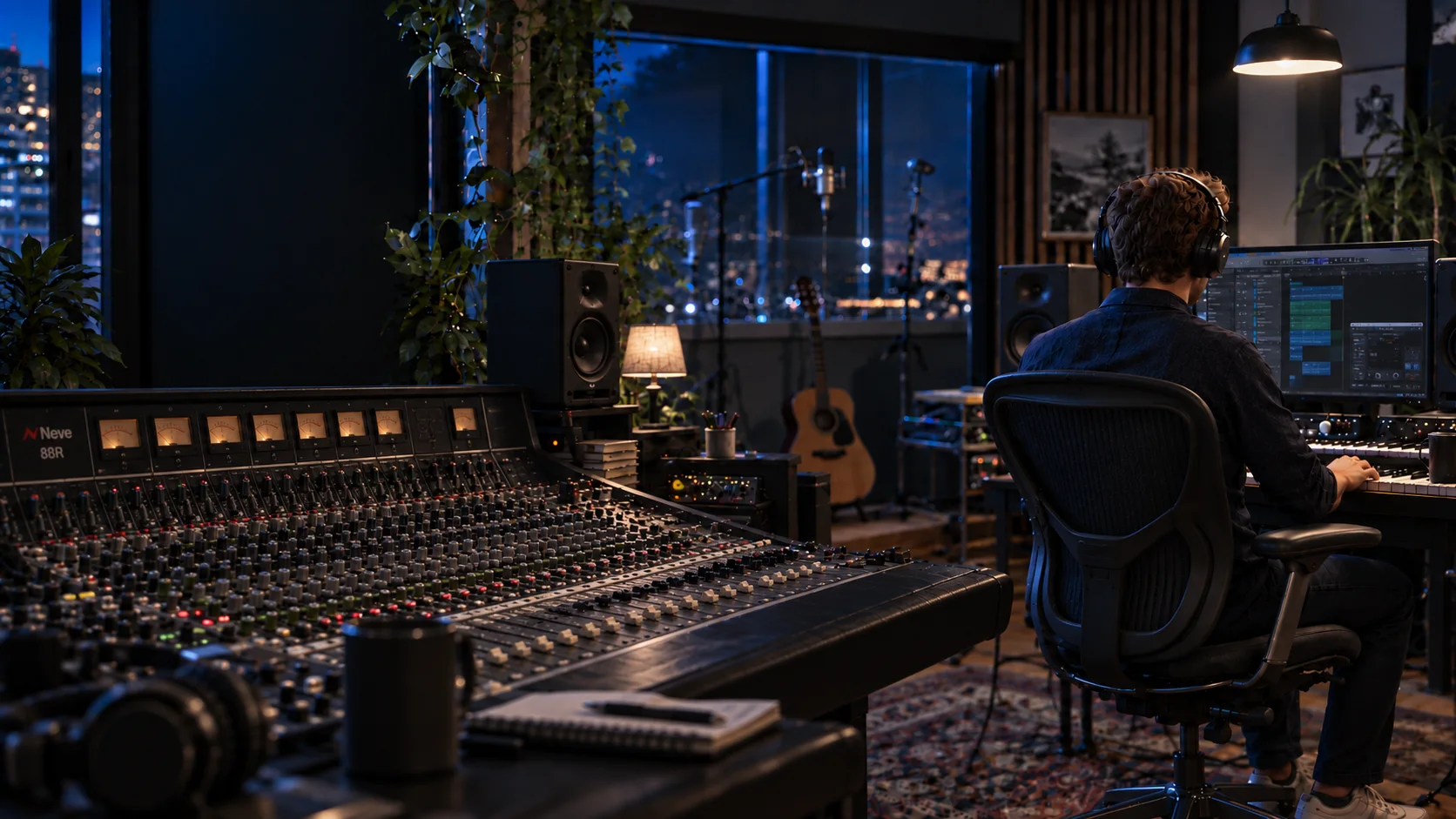

Your studio, connected.
The desktop app for songwriters and producers who work remotely.
Free during the beta · macOS and Windows
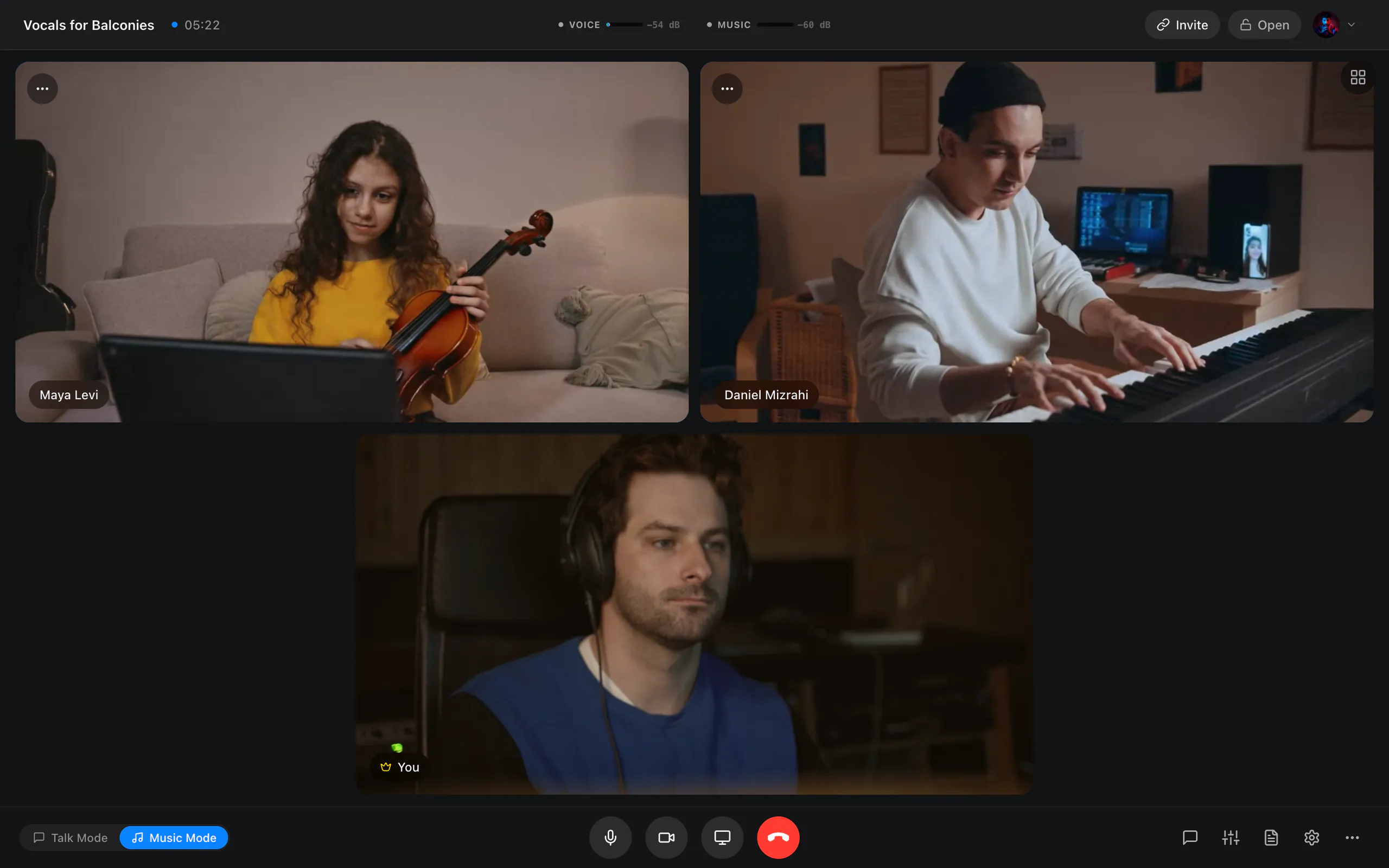
Video apps are made for talking. JaMeet is made for playing.
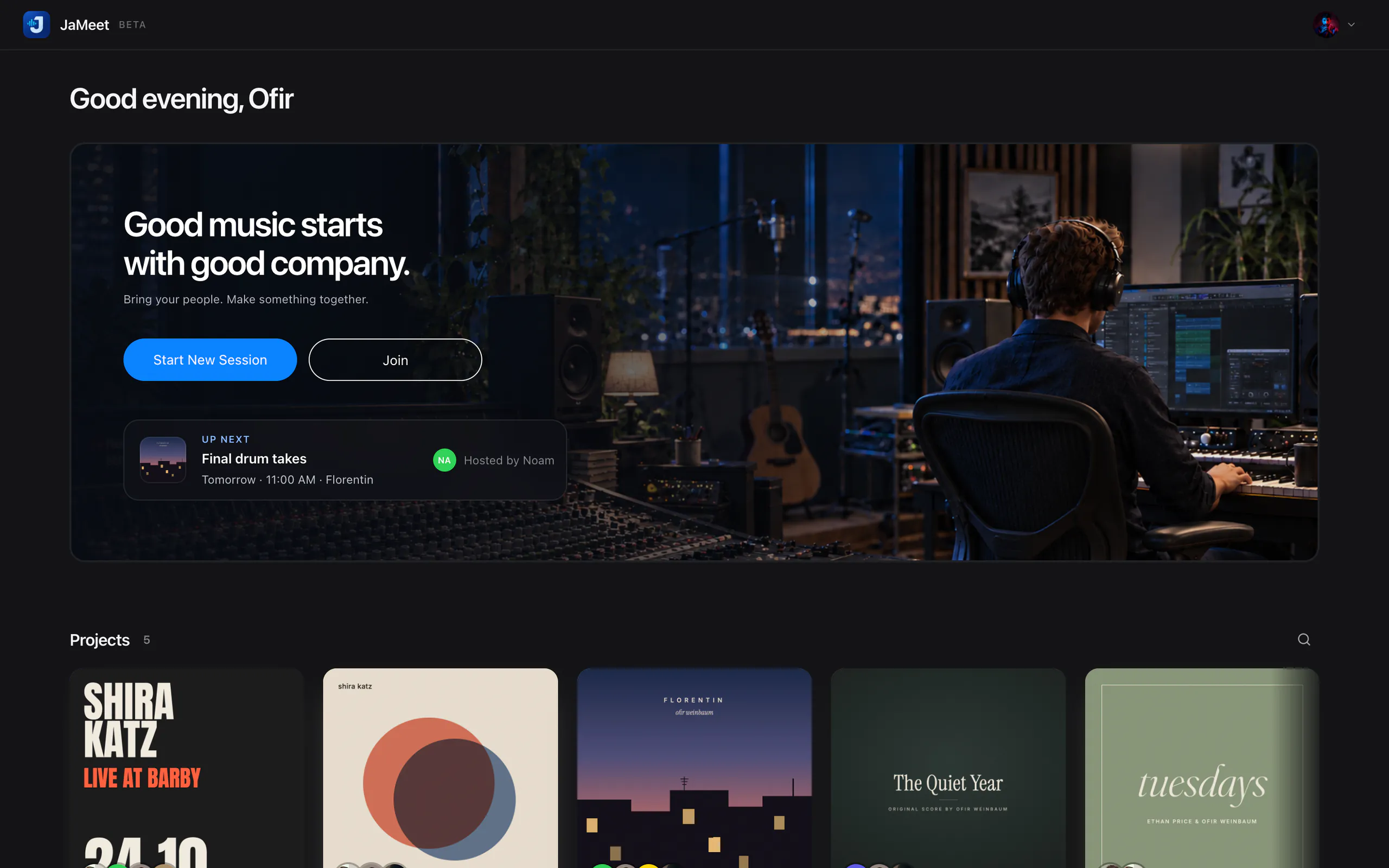
Your songs, lyrics, structure, notes, tasks, chat and sessions stay together, so you can pick up where you left off.
Lossless
Between desktop apps, on a connection that can carry it, your music travels as uncompressed 24-bit audio.
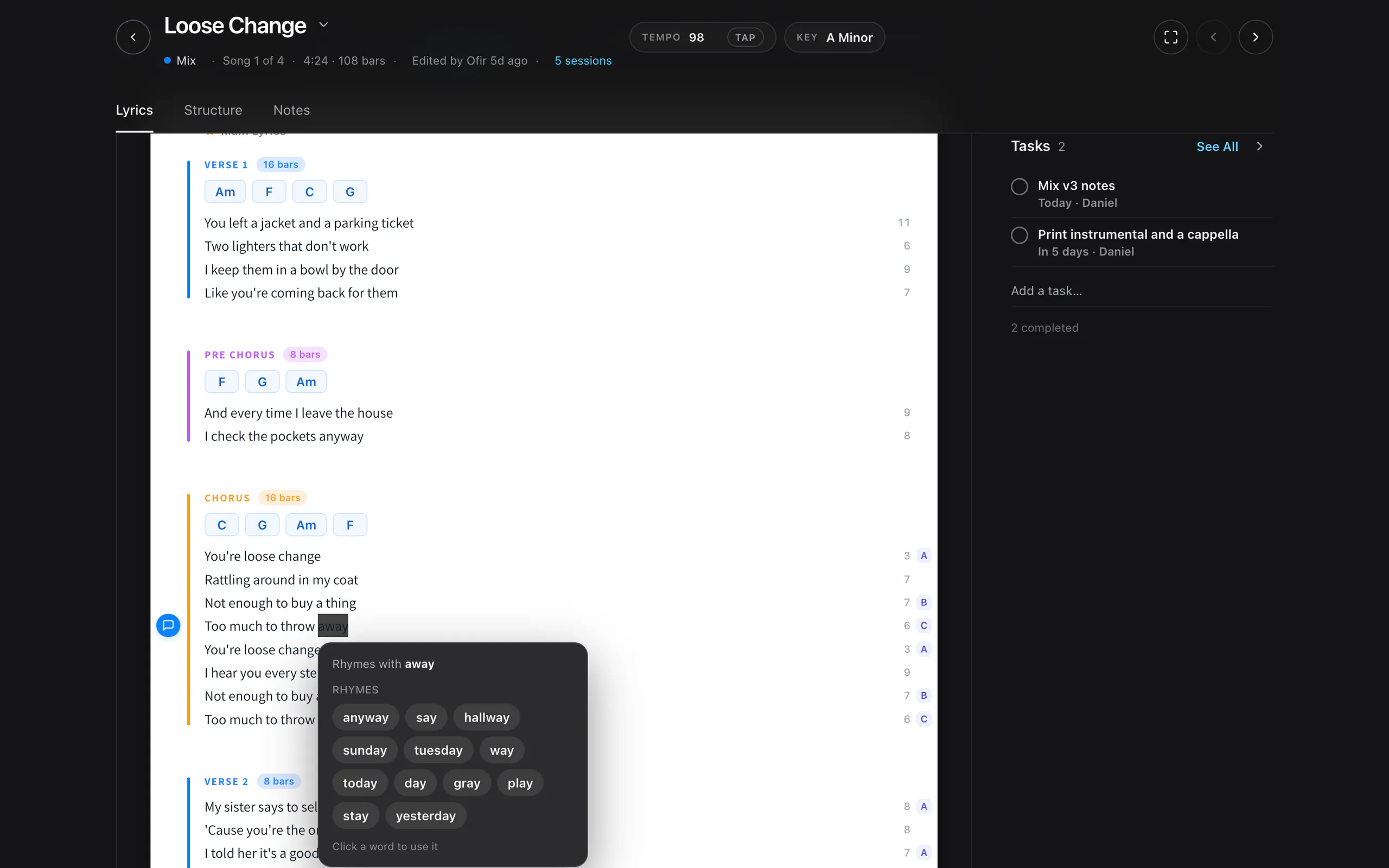
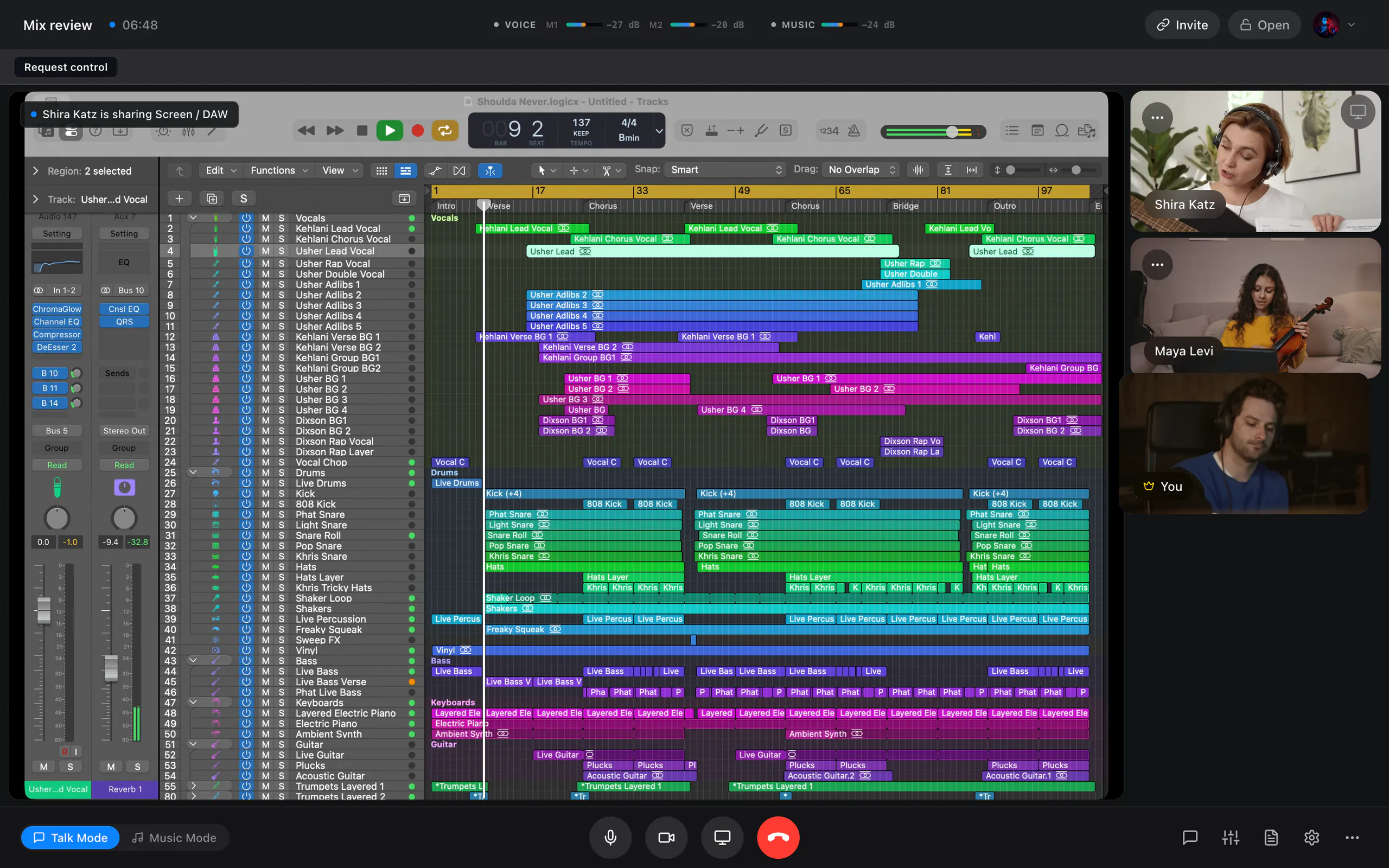
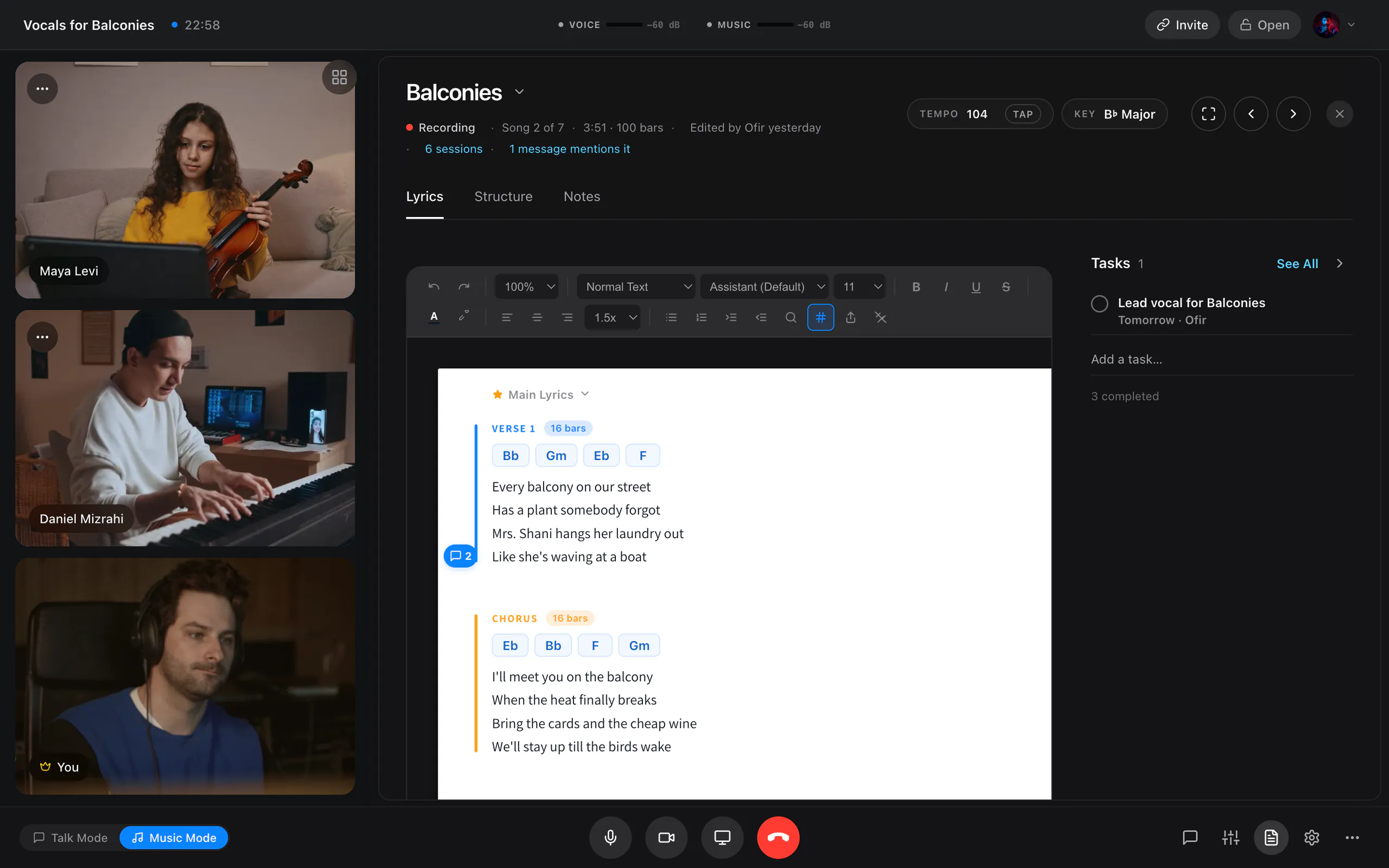
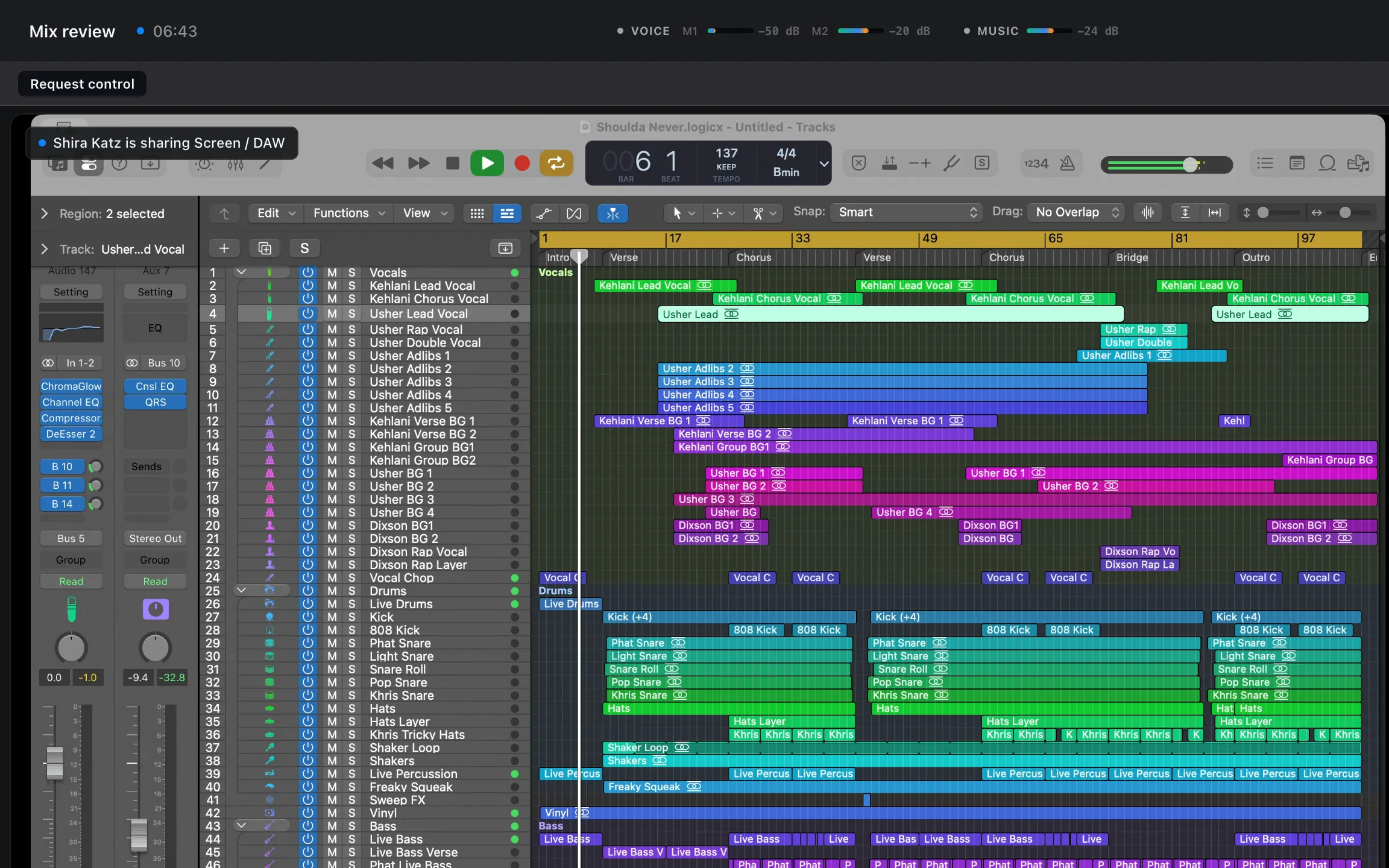
Three sessions musicians run with it.
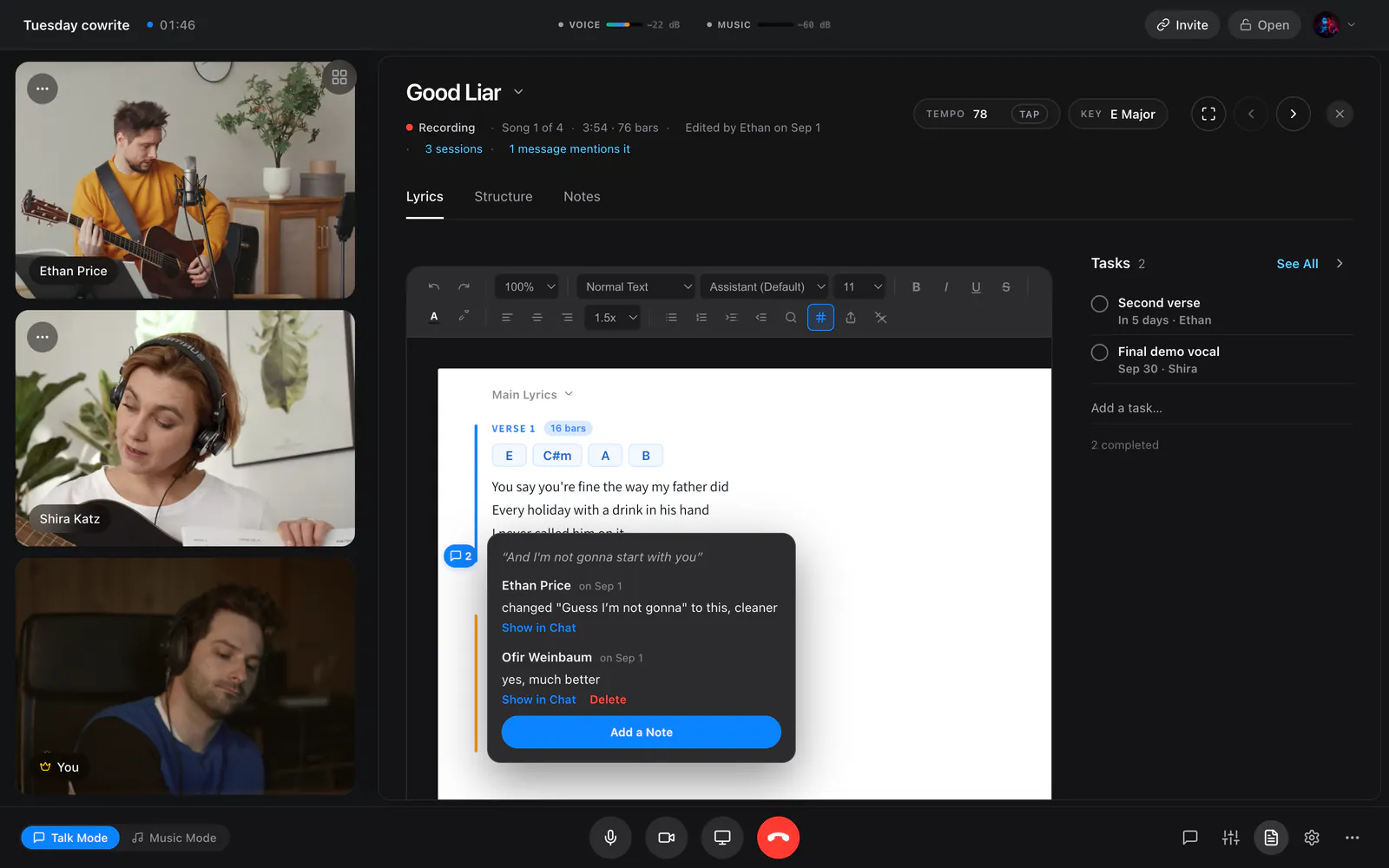
Songwriters
Open the project and write lyrics with chords and rhymes on the same page, edited live by both of you. Talk it through between takes.
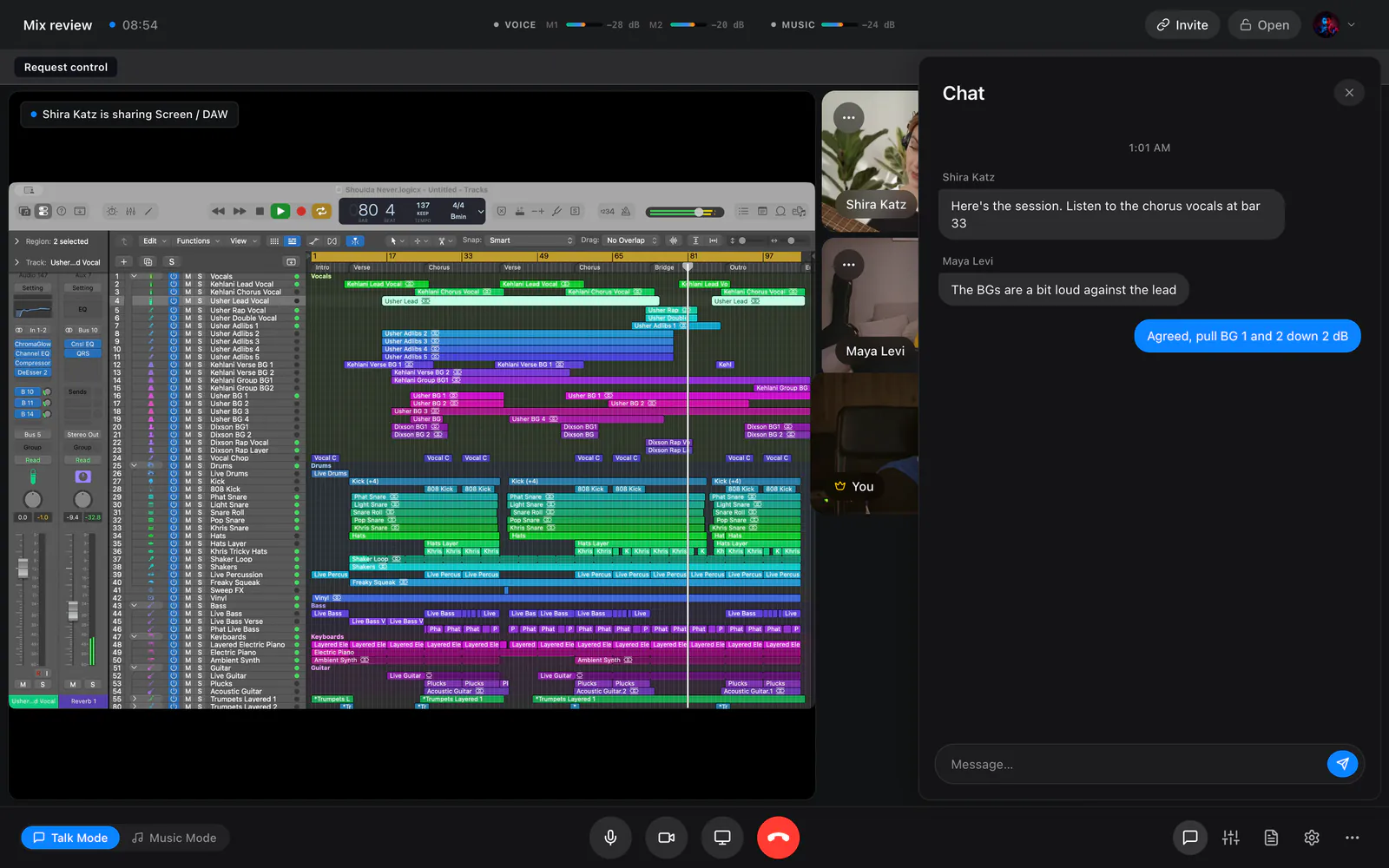
Producers
Share your DAW window at up to 4K and send its audio on the music path in stereo. When they want to try something, give them the mouse.
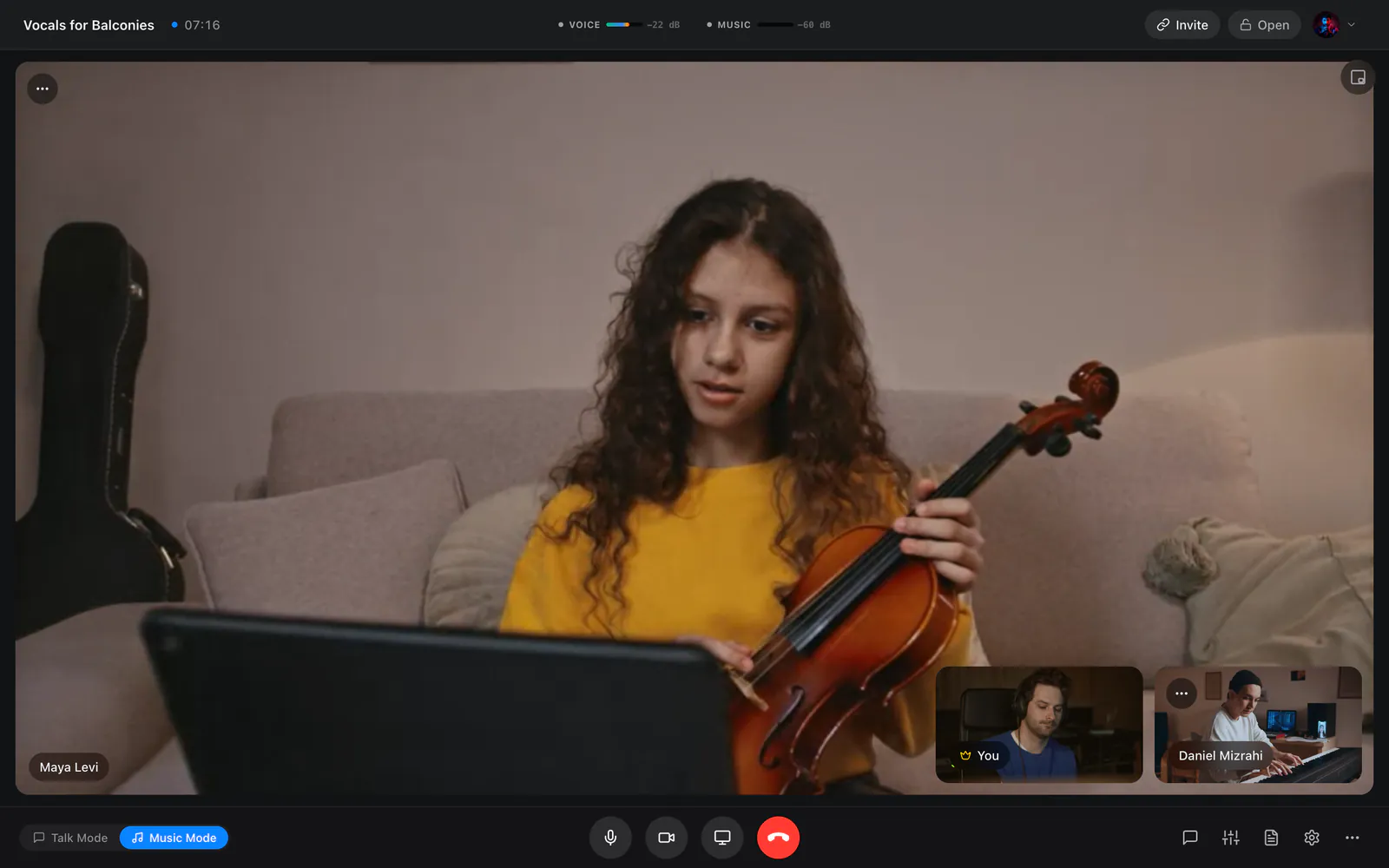
Musicians
Play in Music Mode with speech processing off, then switch back to Talk Mode to discuss the take.
Everything you expect from a call, and what a music session needs on top.
| Feature | Other video apps | JaMeet |
|---|---|---|
| Video, chat and screen sharing | Yes | Yes |
| Noise suppression you can turn off for music | Yes | Yes |
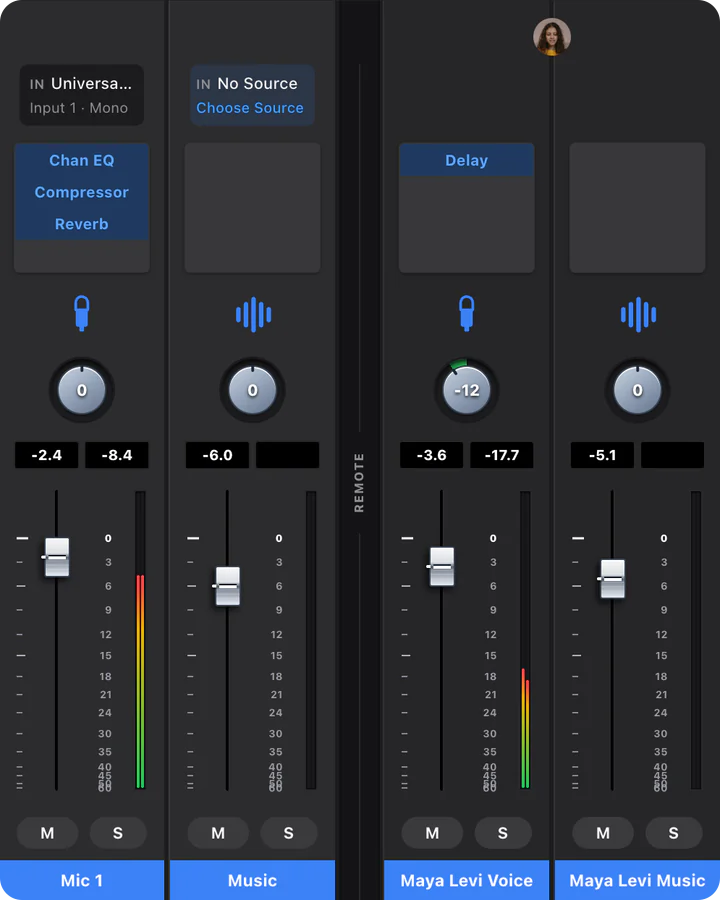
| Separate voice and music levels for every musician | No | Yes |
| Uncompressed 24‑bit music | No | Yes |
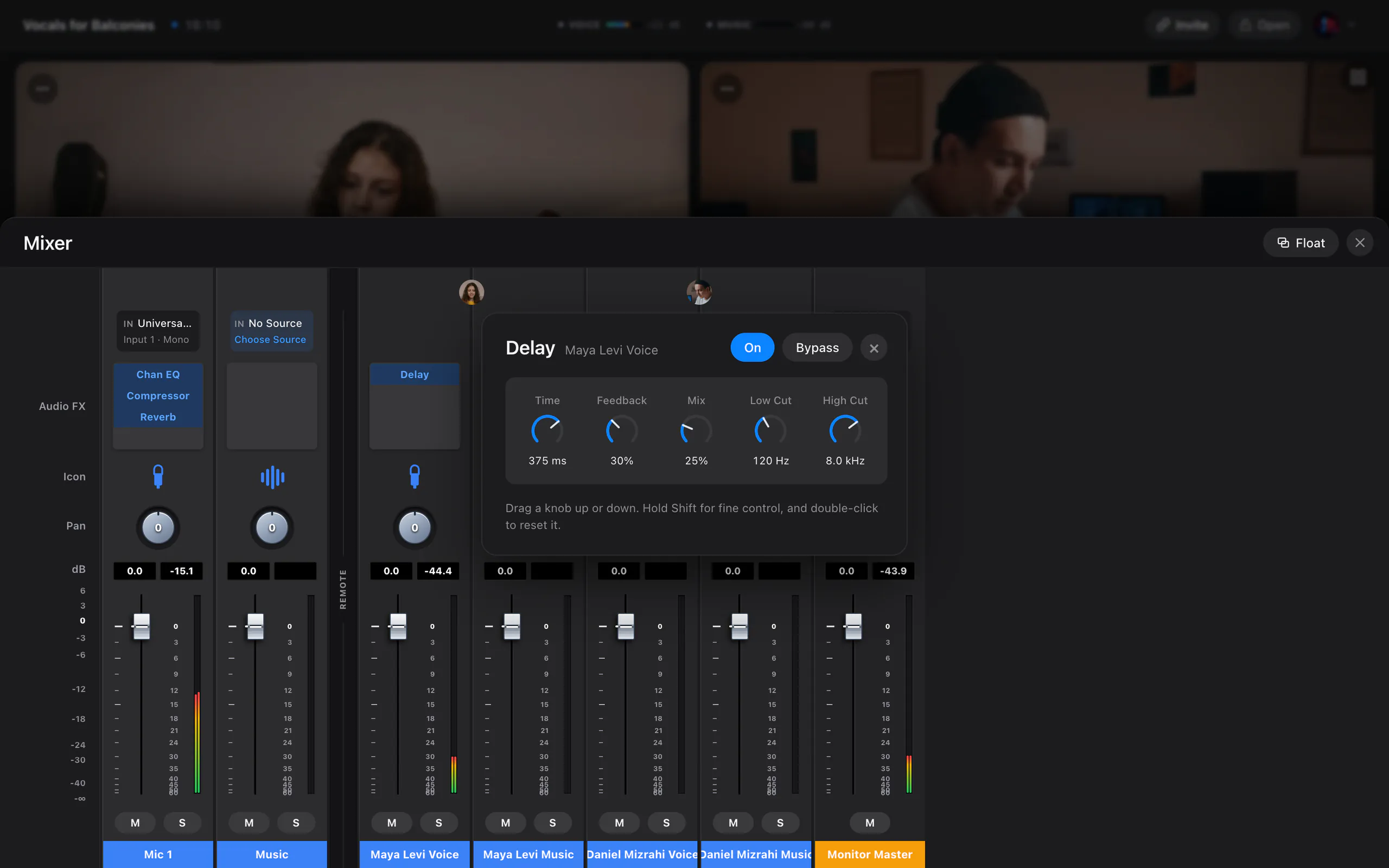
| A mixer channel with EQ, compression, delay and reverb for every musician | No | Yes |
| A collaborator’s voice as a live input in your DAW, on macOS | No | Yes |
| Lyrics, song structure and versions kept in the project | No | Yes |
Why we built JaMeet
Video apps are made to keep voices clear. The same processing flattens a guitar, and when the call ends the song is left scattered across messages and files. We wanted a room made for music, so we built one.
Your instrument travels on its own path, never processed like speech.
Each musician sets the level, EQ and effects of every channel they hear.
Lyrics, structure and versions stay in the project for the next session.
JaMeet is in beta, and every session musicians run shapes what it becomes.
Three steps, and you can be in a session today.
Register on this website or in the app. It takes a minute.
Get startedOpen the email we send you. Your beta access starts when you confirm, and your Welcome email follows.
Install JaMeet on macOS or Windows, then invite up to three more musicians, from the app or a browser. Four-way sessions are not yet tested on four separate computers.
DownloadDownload, sign up and run your first session, start to finish.
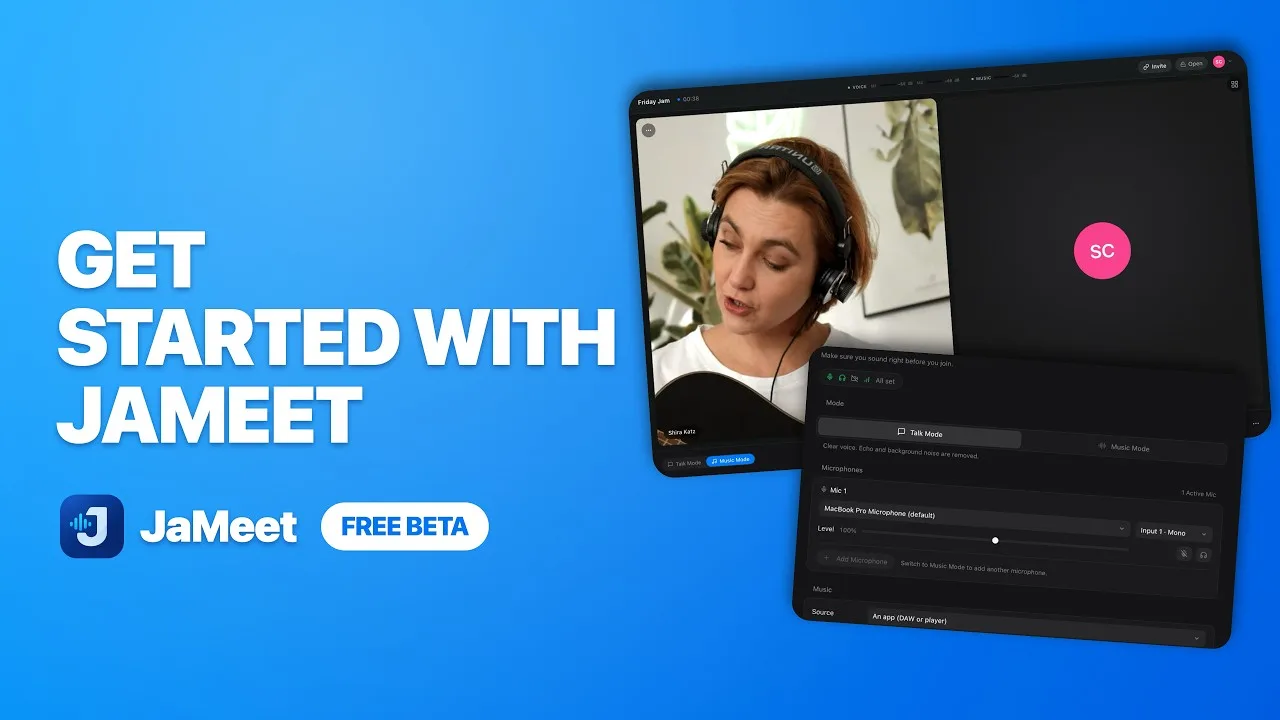
The video plays from YouTube once you press play.
More videos on YouTubeWhat musicians ask before their first session.
Yes, even to join from a browser. Create an account on this website or in JaMeet, then verify your email. Your beta access starts as soon as your email is verified.
Up to four, including you. Everyone gets their own camera tile, screen-share tile and Studio Mixer channels, and 24-bit Music works at every size between desktop apps. Four-way sessions are not yet tested on four separate computers. The JaMeet Remote audio device carries one collaborator’s voice at a time.
Yes. Music Mode turns off echo cancellation to protect instrument dynamics, so open speakers will feed back into your collaborator’s mix. JaMeet warns you if it can see that your output is a speaker.
Your Music source is, between desktop apps. The default Music Quality Target, Lossless, sends it as uncompressed 24-bit stereo at 48 kHz, in sessions of up to four. It needs about 2.3 Mbit/s for each person you send to, and a connection that cannot carry that switches to Opus by itself. Browser guests always receive the Music as Opus, and your voice is always Opus, which is high quality but not lossless.
No. There is no call recording or video export. The short microphone test in Studio Sound Check stays in memory for local playback and is never uploaded or saved.
JaMeet is free while it is in beta. Everyone needs an account, and guests can join from a browser.
Free during the beta · macOS 12 or later, Apple Silicon or Intel · Windows 10 and 11, 64-bit