
JaMeet 0.4.8
Download JaMeet.
Write and produce together, wherever you are. Free during the beta.
Choose your platform below.
Windows
RecommendedJaMeet is free during the beta. Verify your email and you’re in. New here? Create your account Sign in
Everything the song needs. In one place.
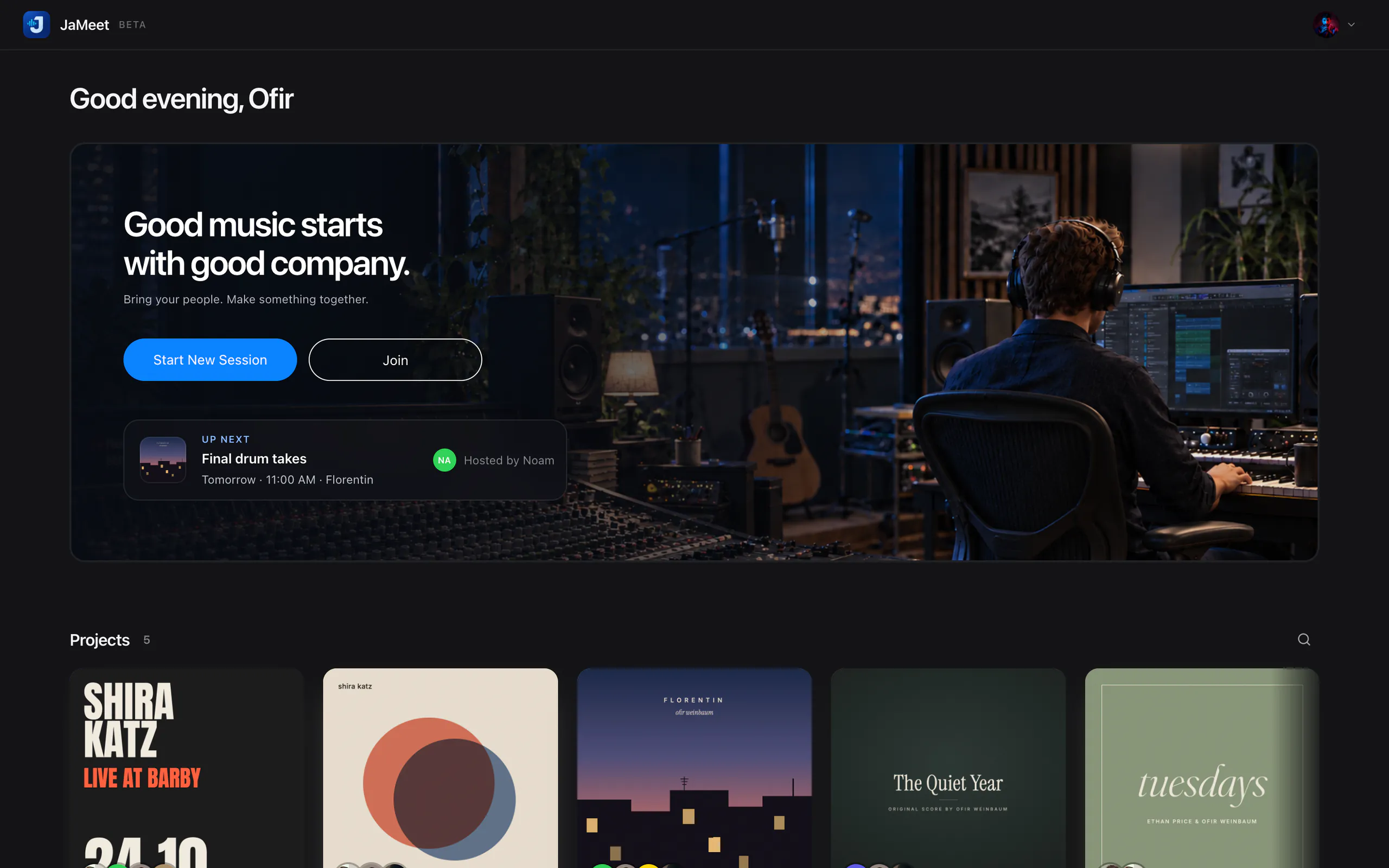
Sessions, songs, lyrics and tasks, all waiting on your Home.
Set up in three steps.
macOS
- Open the installer and follow along.
- Enter your password and restart when asked.
- Launch JaMeet and allow microphone and camera.
Windows
- Run the installer. Installed just for you, it needs no admin rights.
- Launch JaMeet and allow microphone and camera.
- Pick your inputs and output in Studio Sound Check.
Your account comes first
Create your account and verify your email. Your access starts right away, and your Welcome email is on its way. From then on, JaMeet checks for updates for you.
What you’ll need.
macOS
- macOS 12 or later, Apple Silicon or Intel
- macOS 13+ to share your screen
- macOS 14.2+ to capture app or system audio
- Accessibility permission, only for remote control
Windows
- Windows 10 (64-bit) or Windows 11
- Windows 11 to capture app audio
On both
- A microphone or audio interface, and headphones
- A stable connection. Wired is best for music.
Known limitations
- Sessions hold up to four participants. Four-way sessions are not yet tested on four separate computers.
- Remote screen control is new in 0.4.0 and not yet tested on a wide range of hardware.
- Uncompressed 24-bit Music is the default between desktop apps, but is not yet tested between computers on a real network. A connection that cannot carry it falls back to Opus.
- Voice, that fallback and Music sent to browser guests use Opus: high quality, not lossless. JaMeet is no substitute for a synced DAW transport.
- The Windows beta has no native audio driver for DAW routing. On macOS it carries one collaborator at a time.
- The Windows installer is not signed yet, so SmartScreen may warn about an unknown publisher.
- Intel Macs are new since 0.4.2 and have been tried on only one real Intel Mac so far. ARM Windows devices are not supported.
- Capturing app or system audio needs macOS 14.2, or Windows 11 for app audio.
- The current Windows build has not yet been run on a real Windows PC.
Questions before you start?
Setup, permissions and audio, all answered on Support.